
Minecraft Server
Our Minecraft worlds combine relaxed survival, joint construction projects and technology that can grow over many evenings. You can start small and later become part of a larger project.
- 2 Welten online
- Version 1.21.1
- Create and Technology
Gemeinsamer Bauabend
A concrete start for tonight – with a running server and the right next step.
Gemeinsamer Bauabend
Today, the new freight line between Spawn and the industrial district is being built. You can collect material, build it, or simply develop your own base.
Directly to the right instance
Status, mode and next step remain traceable per server.
Create Live 7
- World
- Not reported
- Mode
- Survival + Create
- Current
- Industrieprojekt
- Accessibility
- Open
The instance remains visible as part of the game world. Live values do not appear until a shared read-only source responds.
Vanilla Survival
- World
- Not reported
- Mode
- Creative
- Current
- Community-Hub
- Accessibility
- Open
The instance remains visible as part of the game world. Live values do not appear until a shared read-only source responds.
A common world takes time
Minecraft at Frontline is not a short reset server. Buildings, technology and paths are created over weeks. Anyone who builds a small farm today can supply material for a train station tomorrow or plan a factory with others.
Create complements the world with moving machines and logistics, without turning construction into a pure optimization task. Agreements protect existing projects and keep new ideas connectable.
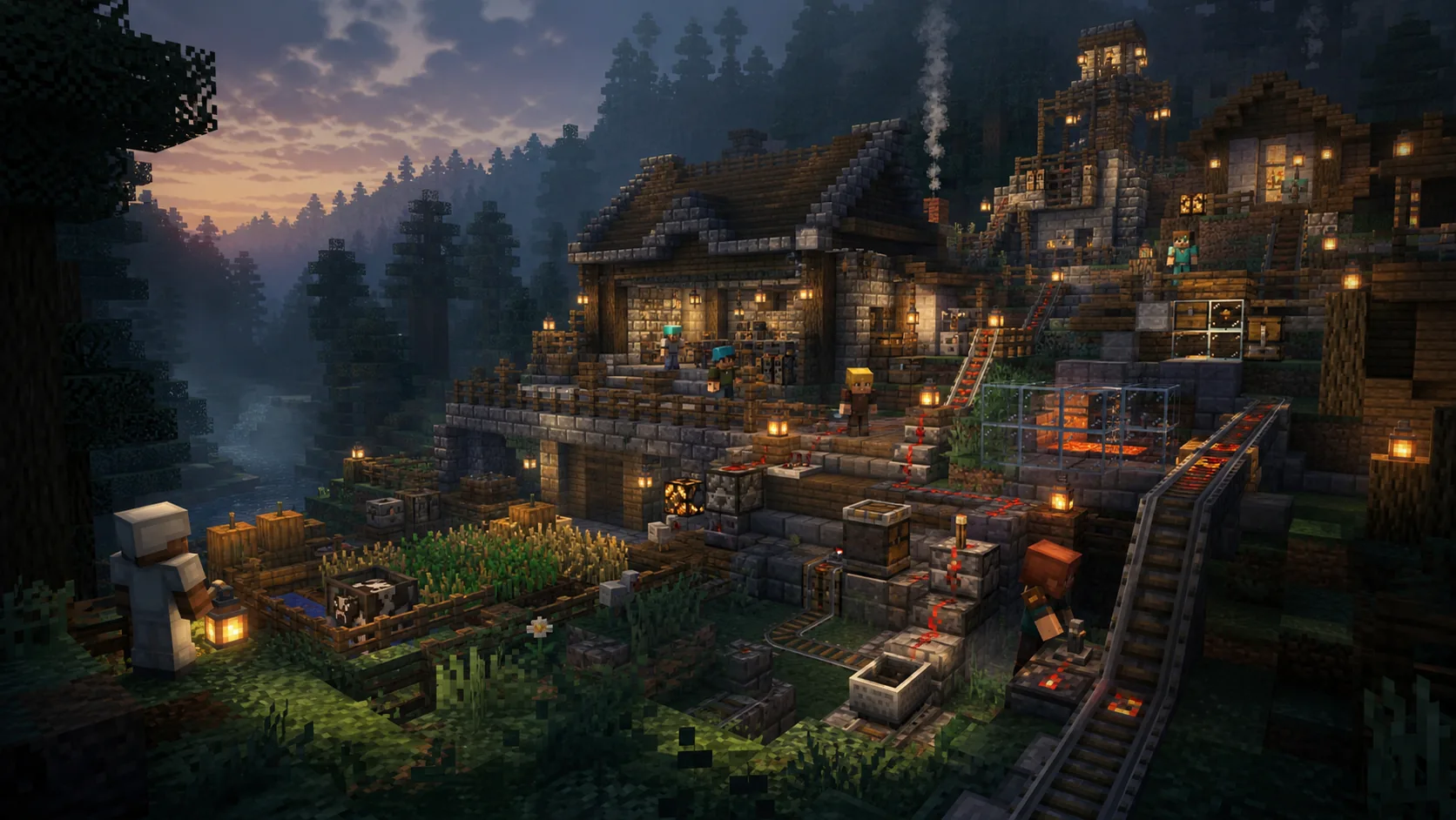
Shared infrastructure connects small bases with large projects.
Building with Consideration
Marking surfaces
Keep ways clear and dismiss larger projects.
Understand the technology
Machines should remain maintainable and not unnecessarily burden server performance.
Projekte verbinden
Roads
Railway lines and supply make individual bases a common world.
Knowledge with direct return
The main guide answers Create, Version and common technique with direct return to the current world.
Minecraft Create Guide
Create ist kein klassischer Technikmod, bei dem Kabel unsichtbar Energie in Maschinen schieben. Fast alles bewegt sich sichtbar: Wellen drehen, Zahnräder übersetzen, Belts transportieren Gegenstände und Maschinen belasten…
Reading the GuideStatus, Version and Mods
Check the current server state first before changing local files or settings.
Opening up assistanceFrom Neighbor to Building Project
In the Discord you will find material exchange, project channels and people working on the same systems.
When Mods or Join Strike
Version, loader and modpack are clearly displayed before joining. The technical help leads you to the cause without guesswork.
Before the first block
Version, modpack, projects and common approach at a glance.
Opening a suitable guideDo I need a whitelist?
Not for the open survival world. Individual project or test worlds may have separate releases.
Where can I find the modpack?
The released version and the download path are directly at the server details.
Darf ich allein bauen?
Yes. Agreements become important when paths or performance as well as existing projects are affected.
Which Minecraft version is used?
The currently released version is in the Join section. Use exactly this version together with the specified modpack.
Is the server suitable for beginners?
Yes. You can start small and ask questions in the Minecraft area or join an existing project.
How are joint construction projects organised?
Larger projects are coordinated in the Discord. In this way, responsibilities and material requirements as well as technical limits remain visible.
What can I do in case of crashes or errors?
First, check Modpack and memory, as well as Java version. The technical guide helps with the further delimitation.
Can Frontline also provide an Minecraft server?
Yes. We offer Docker-based hosting and support modpacks, backups and community building.
Your next project starts small.
Choose the world, check the modpack and discover the first path together at the spawn.
No comments yet
Comments add to the contribution. For support, reports or exile, please use the appropriate professional route.
Log in to comment
Comments run through your central customer account. Sign in or create an account by email or Discord; then you will come back to this post directly.