
Tools für Planung und Serverbetrieb.
Entdecke Frontline-Werkzeuge für taktische Planung, Serververwaltung, Moderation und Community-Betrieb.
Planung und Serverbetrieb
Open the public tactics planner or explore our three independent administration systems for HLL/HLLV, Arma Reforger and WARDOGS.
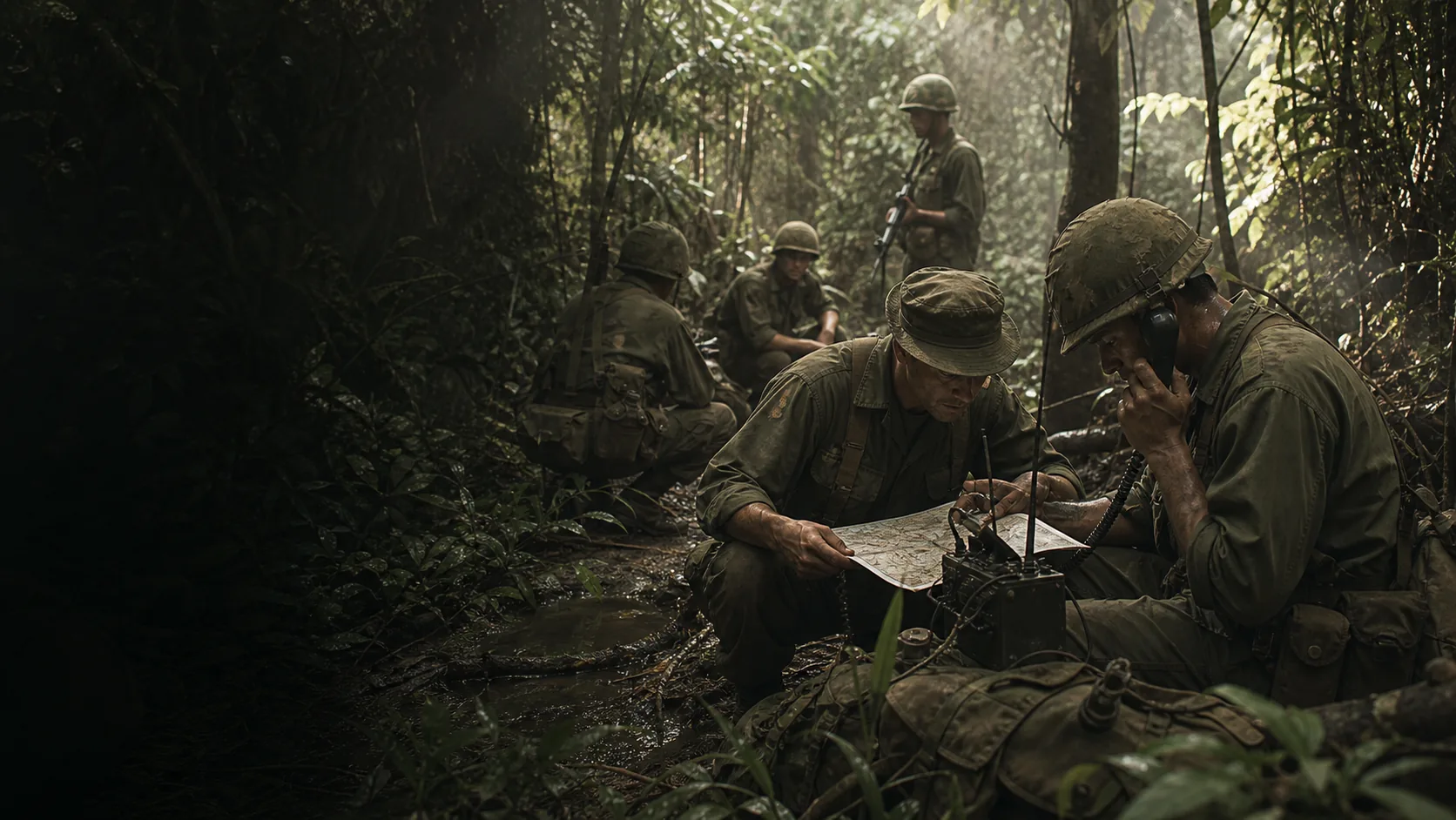
HLL: Vietnam Taktikplaner
Plan attack axes, defenses, and deals directly on the map. The browser tactic planner is suitable for squads, training and event preparation.
Opening Tactical Planners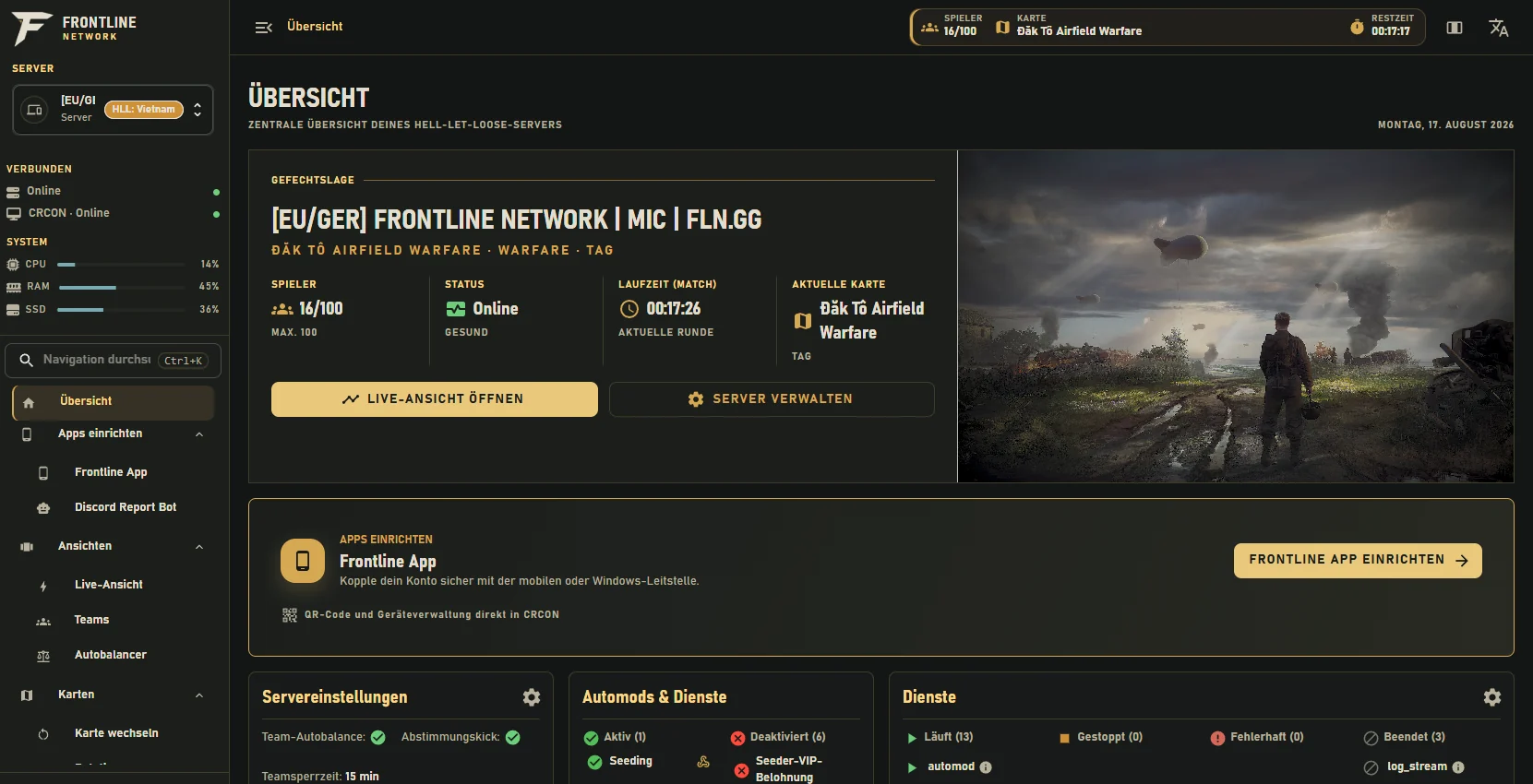
HLL & HLLV Frontline RCON
Verwalte Hell Let Loose und Hell Let Loose: Vietnam mit Moderation, Automatisierung, Discord-Anbindung und nachvollziehbaren Betriebsabläufen.
Frontline RCON ansehen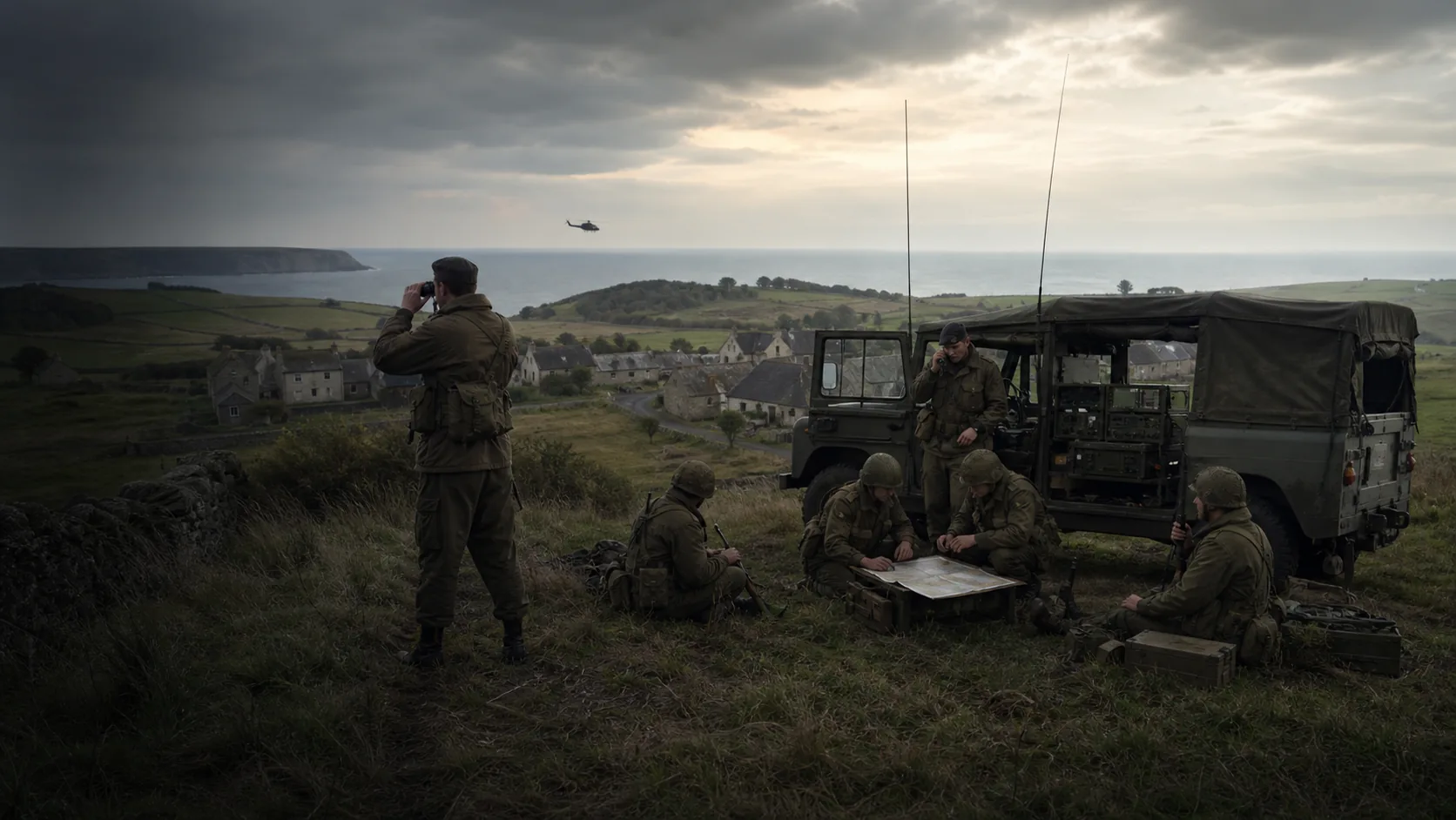
Arma Reforger ARCON
ARCON bündelt Administration, Telemetrie, Moderation und Betriebsfunktionen für Arma-Reforger-Server in einer gemeinsamen Oberfläche.
ARCON ansehen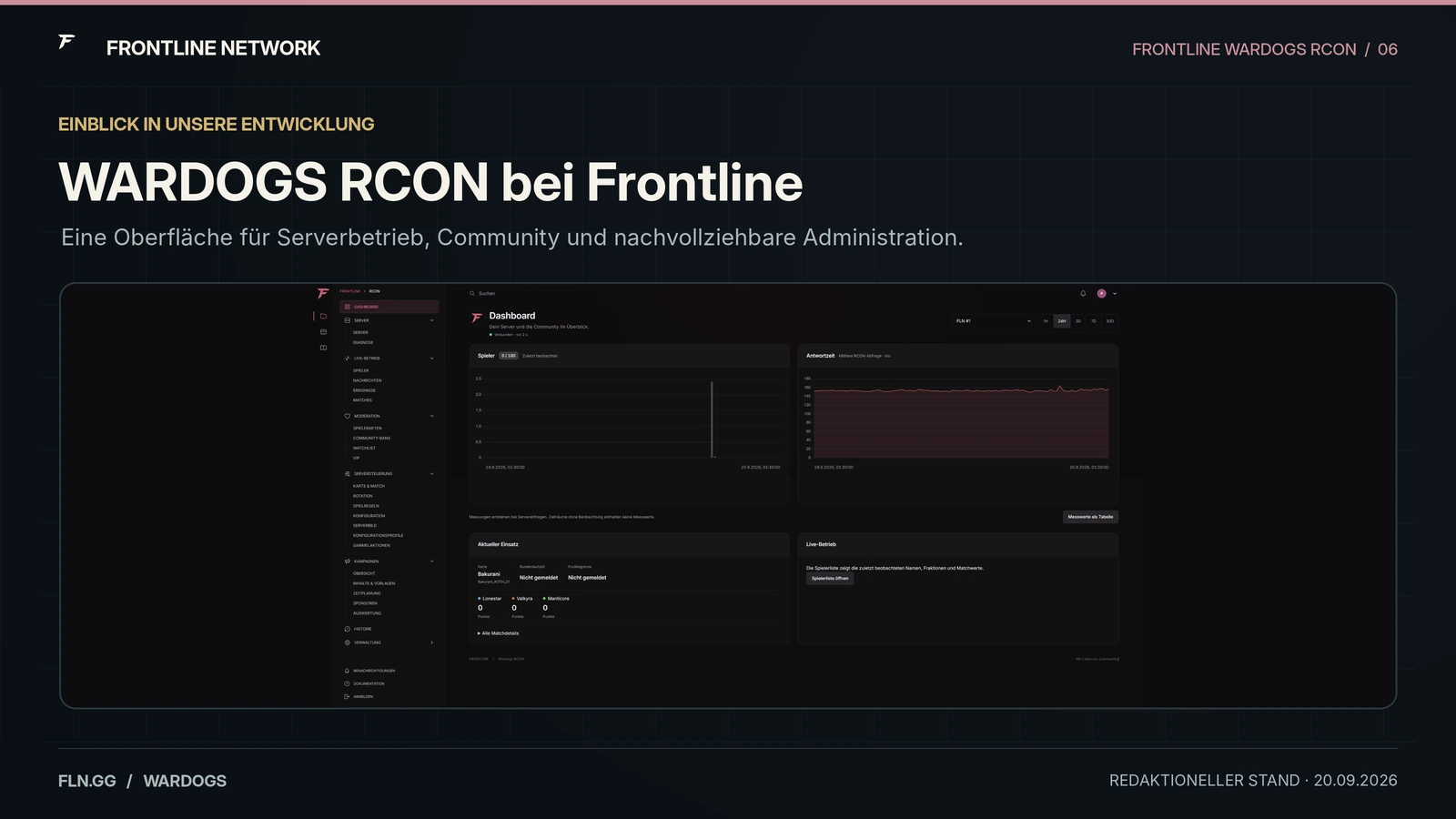
WARDOGS CRCON
Our third independent admin system brings WARDOGS server data, moderation context, rotation and community integrations into one interface.
View WARDOGS CRCONFrom the idea directly to the map.
Visually mark attack axes, defense areas, and agreements. So squads and event teams start the round with a joint plan.
Opening Tactical PlannersVor dem Einsatz geklärt.
A concise guide to the tactics planner, Frontline RCON, ARCON and WARDOGS CRCON.
Can the HLL Vietnam Tactical Planner be used for free?
Yes. The tactical planner can be opened directly in the browser and used for joint preparation without purchase.
Do I need a frontline account?
No. The public tactical planner can be opened and used without registration.
Does the tactical planner work on the smartphone?
Yes. The surface is responsive. For extensive map planning, a larger screen is usually clearer.
Welche Spiele unterstützt Frontline RCON?
Frontline RCON ist für Hell Let Loose und Hell Let Loose: Vietnam gedacht. Die jeweilige Angebotsseite erklärt Funktionen und Verfügbarkeit.
Can I use the Tactical Planner for events?
Yes. You can use it to discuss routes, responsibilities and tactical ideas before a round. Binding event information remains on the respective event page.
What is ARCON?
ARCON ist unsere Verwaltungs- und Telemetrieplattform für Arma Reforger. Sie wird mit dem stabilen Kern weiter getestet und schrittweise ausgebaut.
What is WARDOGS CRCON?
WARDOGS CRCON is our independent administration system for WARDOGS. It joins Frontline RCON for HLL and HLLV and ARCON for Arma Reforger in our tool family and is being released in controlled stages.
Can my community request their own tool project?
Yes. Describe game, existing infrastructure, target group and desired benefits. We then check which existing building block fits and what would have to be developed individually.
Where do I report an error or an outdated card?
Use the contact and name the card, time and the observed error. In the case of display problems, the screen size used also helps.